One click reveals the frameworks, CMS, analytics, hosting and payment tech behind any site you visit. Free, private, no account.
Coming soon to the Chrome Web Store · Free · No account
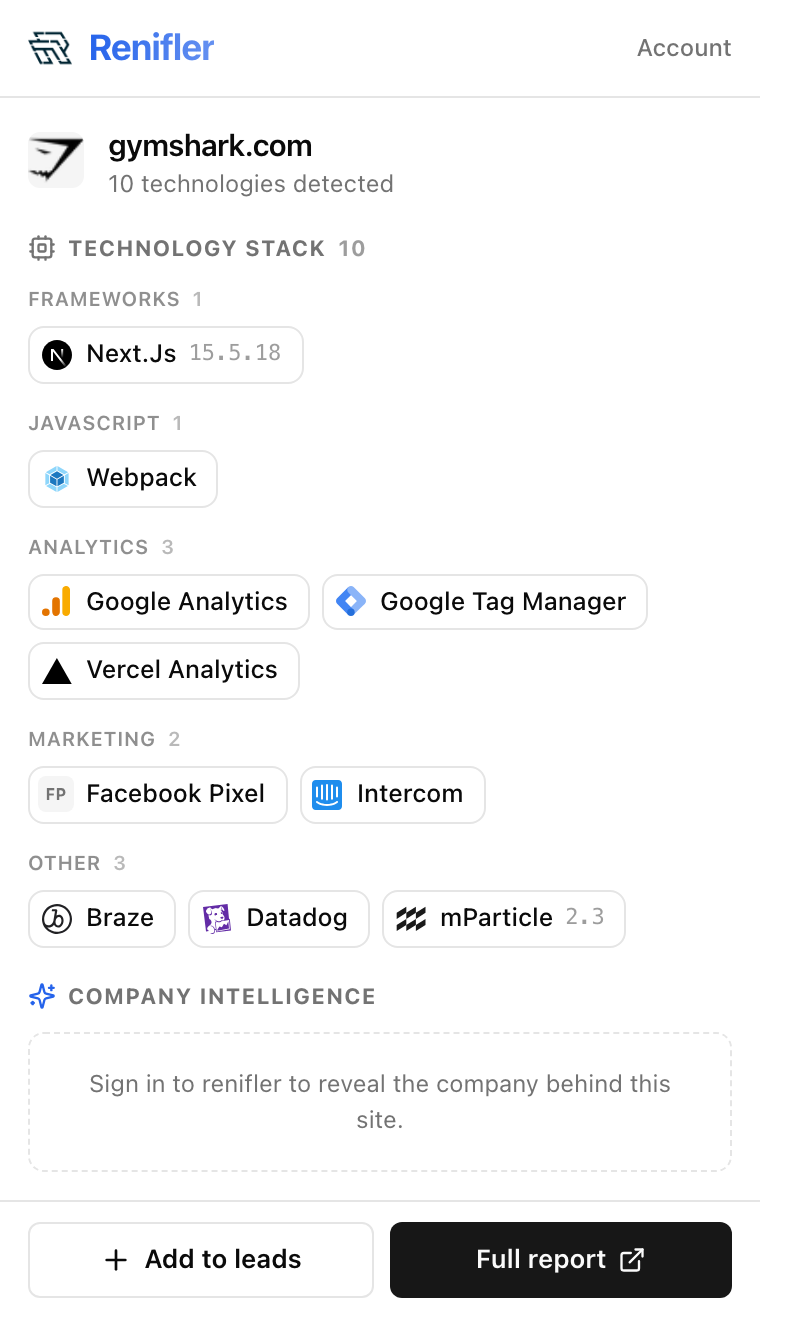
One click from the store. No sign-up, no email.
Go anywhere. The extension reads a page only when you ask it to.
Click the Renifler icon — the whole stack, grouped and versioned, instantly.
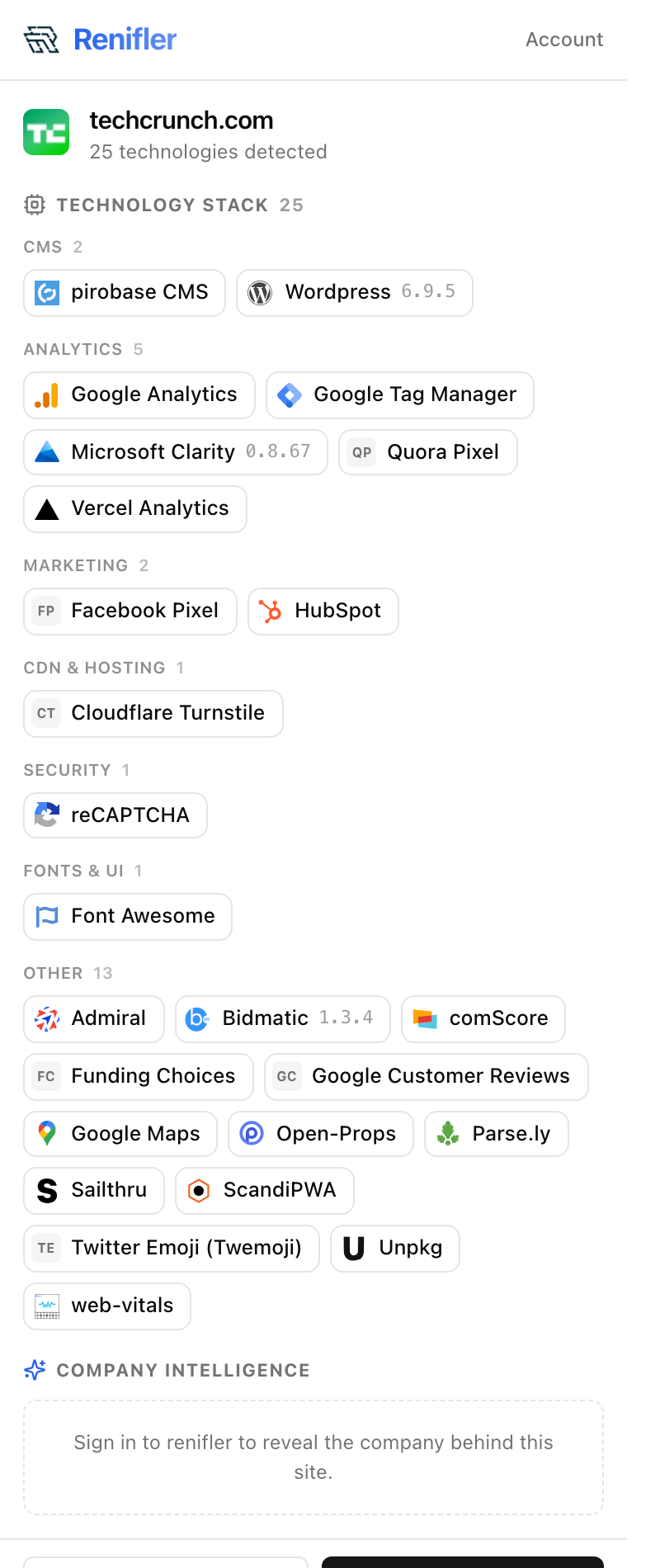
Real detection, live on the page — not a stale database. Renifler groups everything by category (frameworks, CMS, analytics, hosting, payments, security…) and shows versions when it can find them. Here, 25 technologies on a single site.
The extension.
For the curious who want more.
For teams & lead-gen.
Detection runs in your browser: the tech stack is computed on your machine from the page's own signals and its response headers — no page content is ever sent to us. The one exception is company intelligence, which looks up the site's public DNS records through renifler's own service — only the domain you're viewing is sent, never any page content or anything about you. We don't track your browsing history and never sell your data.
Read our privacy policyYes — the tech-stack detection is free forever, with no account and no sign-up. A cheap Plus upgrade reveals the company behind a site (contact email), but you never need it to see the stack.
Detection runs entirely in your browser. The extension only reads a page when you click it, it doesn't watch your browsing, and it never sells your data. It doesn't request access to every site you visit.
It detects what's actually running right now on the page — not a stale database — and it's built for the curious, not just sales teams. It recognizes 3,192 technologies with versions, and one click can reveal the company behind the site.
Chrome and Edge at launch (both Chromium). Firefox is on the roadmap.
No. Install it and click — that's it. An account only comes into play if you want the paid company-intelligence features.
Add Renifler to Chrome and click once. It's free, and it works on any website.
Free · No account · Works on any site